AI upscaling
Two AI models (AI QUALITY and FAST) rebuild detail instead of just stretching pixels – up to 4K.

Small, pixelated AI videos.
Big and perfect.
NOIXIM UPSCALE scales your clips from 720p (or smaller) to Full HD, 1440p or 4K – with clean edges and fine detail in skin, hair and fabric. Everything runs locally on your Mac. No cloud, no credits, no account.
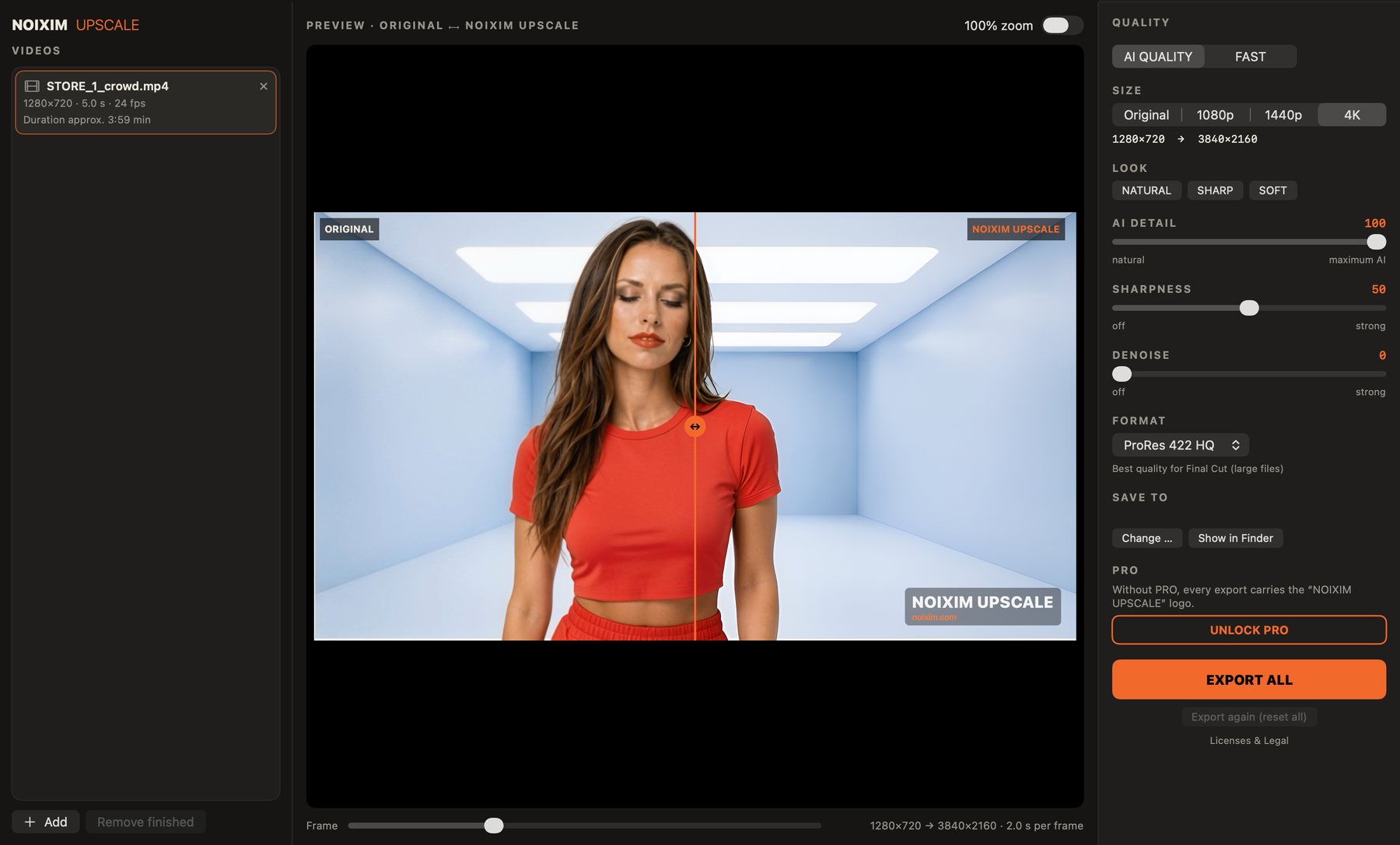
Two AI models (AI QUALITY and FAST) rebuild detail instead of just stretching pixels – up to 4K.
Higgsfield, Seedance, Kling, Runway & co. often deliver 720p. NOIXIM UPSCALE makes them sharp enough for big screens.
Split slider, 100% zoom and frame scrubbing – see the result before you export.
AI DETAIL blends the AI result with the original. No plastic skin, no over-sharpened edges.
Everything runs on the Apple Neural Engine of your Mac. Your videos never leave your computer.
Export ProRes 422 HQ, H.264 or HEVC with audio – and drag finished clips straight into Final Cut Pro.
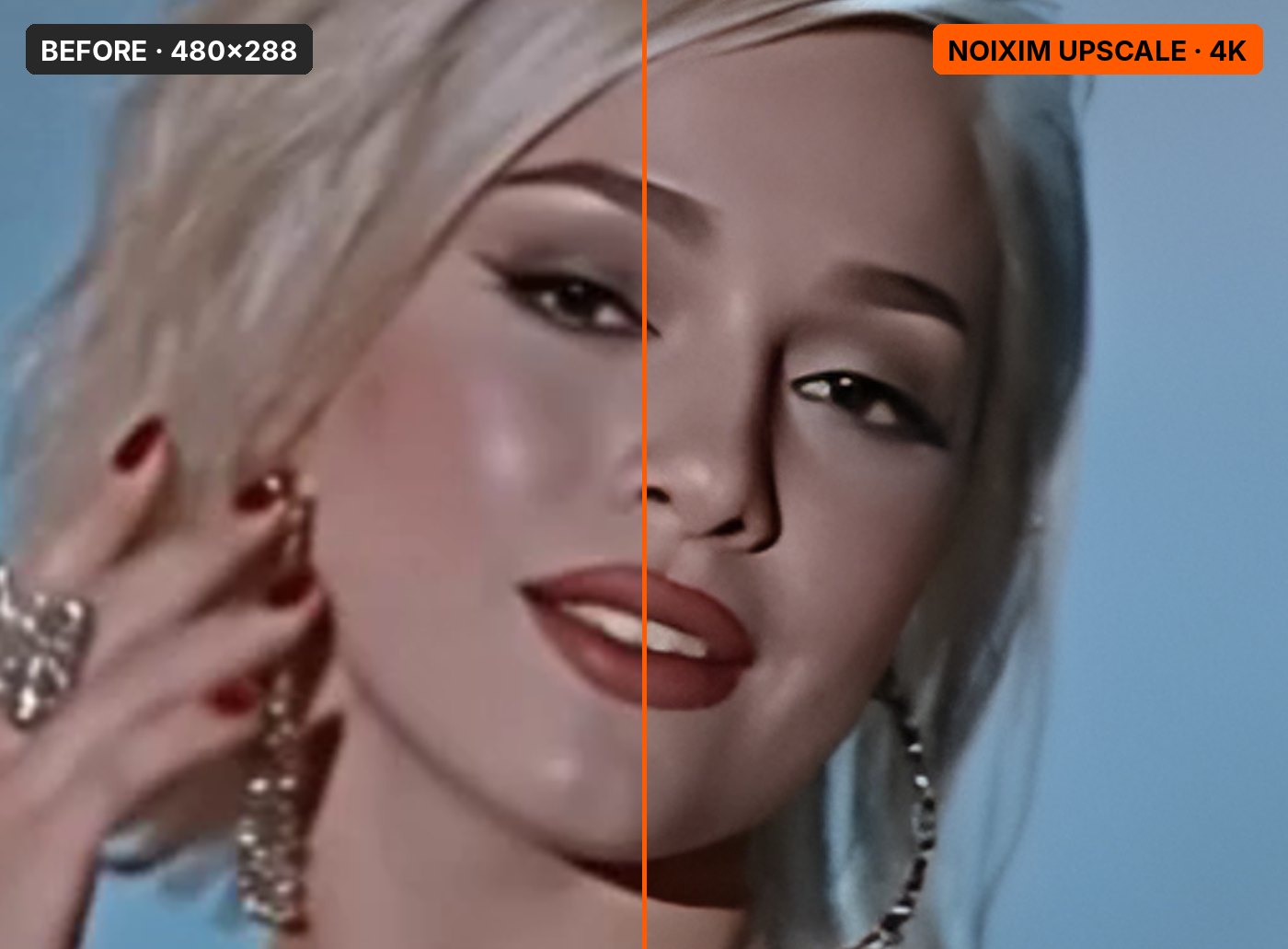
Before / after · 480×288 → 4K
A real result from NOIXIM UPSCALE: a tiny 480×288 clip upscaled to 4K with AI DETAIL 100 and SHARPNESS 50. Drag the images in the gallery to zoom.
Drop videos or whole folders into the window (.mov, .mp4). Each clip shows size, length and the estimated time.
Choose the size (1080p, 1440p or 4K) and a look. Compare original and result with the split slider.
Click EXPORT ALL. Finished videos land in your output folder – drag them straight into Final Cut Pro.
AI QUALITY gives the best detail and is recommended. FAST is quicker – good for long clips and quick previews.
Original, 1080p, 1440p or 4K. The line below shows input → output resolution. For 9:16 clips the short side is used.
NATURAL (default), SHARP (more crispness) or SOFT (calmer, less noise) – one click sets all three sliders.
How much of the AI result is used. 80 looks natural, 100 gives maximum AI detail.
Extra edge sharpness after upscaling. 30–50 is ideal for faces; above 70 can look artificial.
Removes grain and compression noise before upscaling. Use 10–30 for noisy or low-bitrate clips.
ProRes 422 HQ for editing in Final Cut Pro (large files). H.264 or HEVC for smaller files and uploads. Audio is kept.
Shows real pixels at full output size. Judge sharpness here, not in the fitted preview.
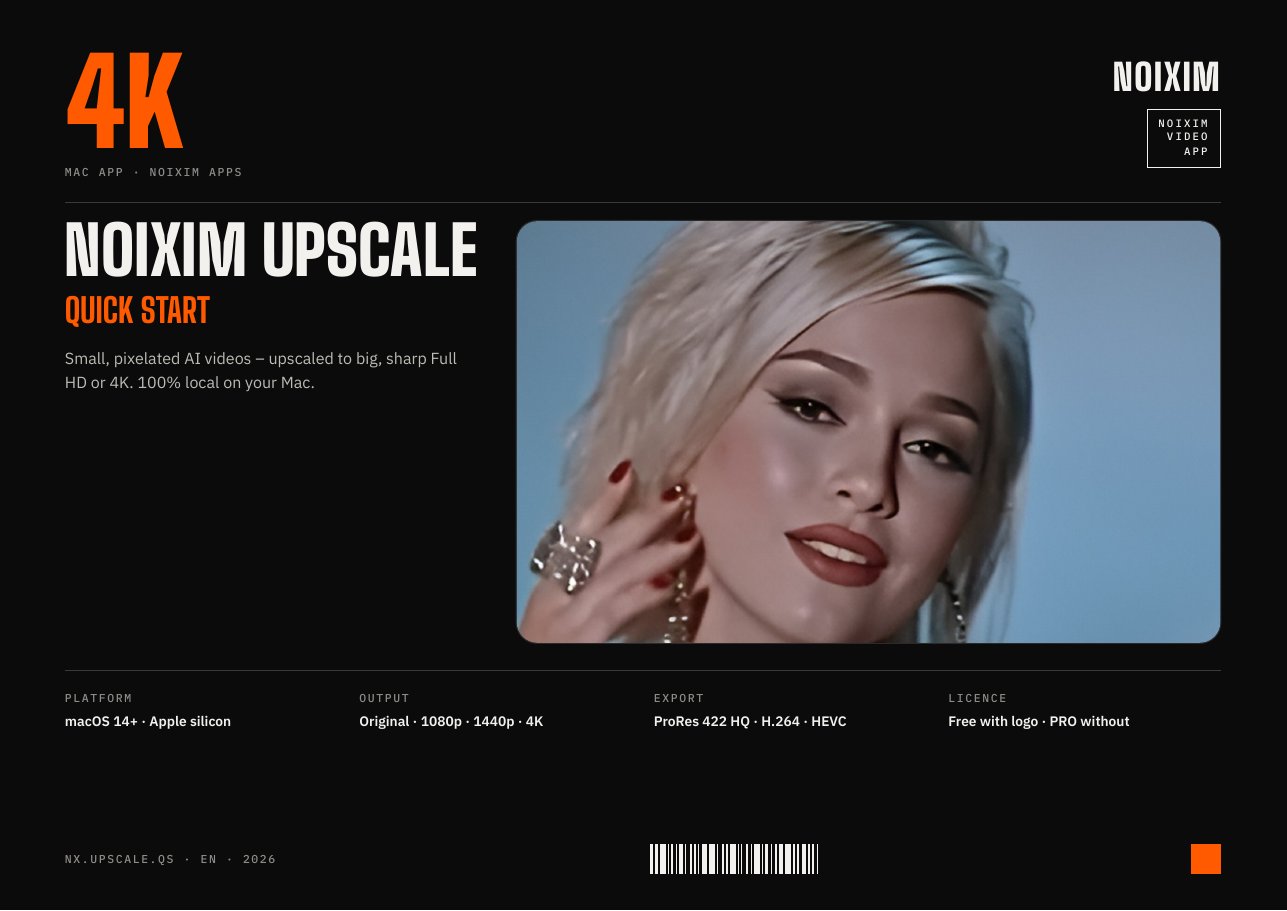
All features, all sizes up to 4K. Exports carry a small “NOIXIM UPSCALE” logo.
7 days free, then €3.99 per month. No logo. Cancel any time in the App Store.
MAC APP STORE · SOONPay once – no logo, forever. Restore on any of your Macs.
MAC APP STORE · SOONPrices in the App Store may vary by country. Purchases are handled by Apple.
No. All processing happens on your Mac. Only purchases go through the App Store.
No. Your videos never leave your Mac. The app collects no data.
Macs with Apple silicon (M1, M2, M3, M4 and newer) running macOS 14 or later.
Depends on clip length, size and Mac. The app shows the seconds per frame and an estimated time for every clip.
A small “NOIXIM UPSCALE” logo in the corner of exported videos. PRO removes it.
Yes, any time in your App Store subscription settings. The 7-day trial is free.
Yes. Sizes refer to the short side, so a 720×1280 clip becomes 1080×1920 or 2160×3840.
Yes. Export ProRes 422 HQ and drag the finished clip from the list straight into Final Cut Pro.